Clear audience output
A frameless, resizable timer window for a projector, confidence monitor or second display, with fullscreen controlled safely by the operator.
ProTimer puts a large, readable speaker countdown on a projector or confidence monitor while the operator keeps full control from a separate window.
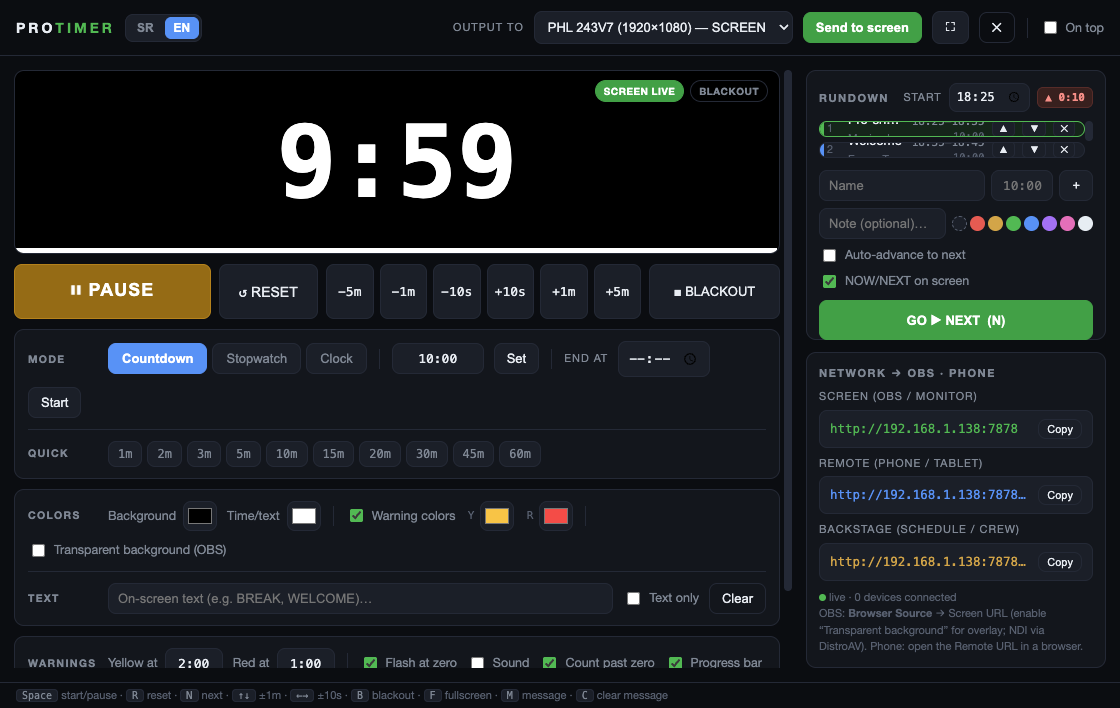
This is the full ProTimer application, not a trial or a limited web demo.
A frameless, resizable timer window for a projector, confidence monitor or second display, with fullscreen controlled safely by the operator.
Countdown, stopwatch and clock modes, warning colors, overtime, exact end time, blackout, on-screen text and messages to the speaker.
Build a cue list with planned times, show NOW/NEXT, share a view-only QR and give the crew a browser-based backstage view.
The standard setup takes about a minute and does not require an online account.
Use Windows Setup or the DMG for an Apple Silicon Mac.
Enter hours, minutes and seconds, or choose a quick preset.
Press START or Space. Reset, pause and adjust time from Control.
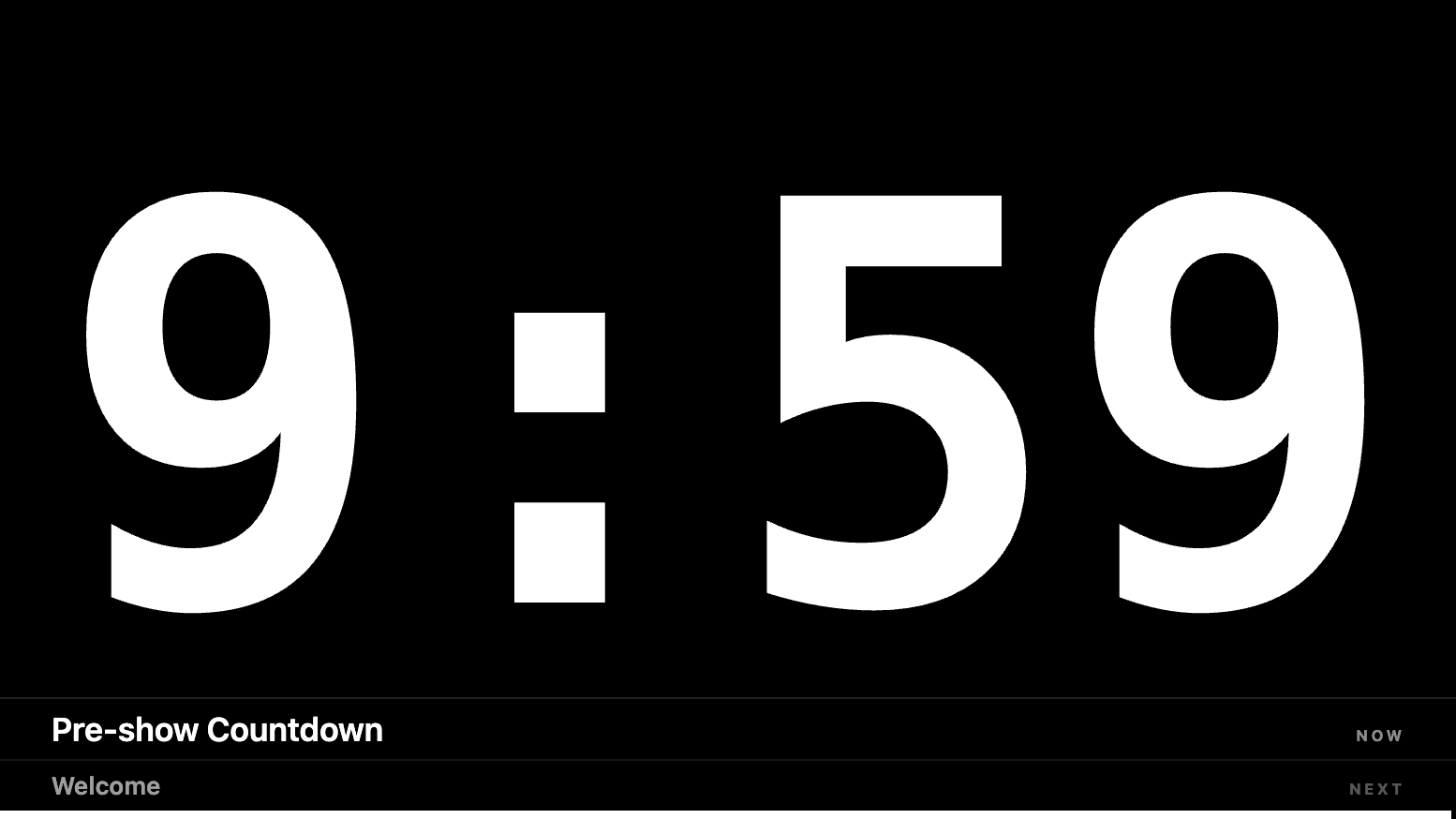
Move the clean Screen window to the audience display or make it fullscreen.
ProTimer is designed for conferences, presentations, churches, theatres, streamed shows and community events where one operator needs a dependable, obvious timer.
Clear expectations matter more than marketing promises in live production.
ProTimer 2.3 supports Windows 10/11 x64 and Apple Silicon Macs. There is no Intel Mac or Linux build today.
Phones, OBS and backstage screens work best on the same LAN or Wi-Fi. Public sharing is beta and should not replace a show-critical local setup.
ProTimer is intentionally focused. It is not a multi-user event-planning platform or a replacement for a full show-control suite.
The practical questions before downloading.
Yes. ProTimer is released under the MIT license and has no account, subscription, watermark or time limit.
No for the normal timer, audience output, OBS Browser Source and LAN phone views. The optional Share Online feature uses a third-party tunnel and is marked beta.
Yes. The audience screen is designed as a confidence timer, with warning colors, overtime, NOW/NEXT and optional messages for the speaker.
Yes. Display a view-only Timer or Backstage QR on the output. Remote-control links are kept separate and are never offered as audience QR codes.