Packaged module — available now
Download the tested .tgz, import it from Modules → Import module package, then use ready-made actions, presets, feedback colors and timer variables.
Put the stage timer controls under your fingers: Start/Pause, Reset, GO to the next cue, blackout, time adjustments and speaker messages.
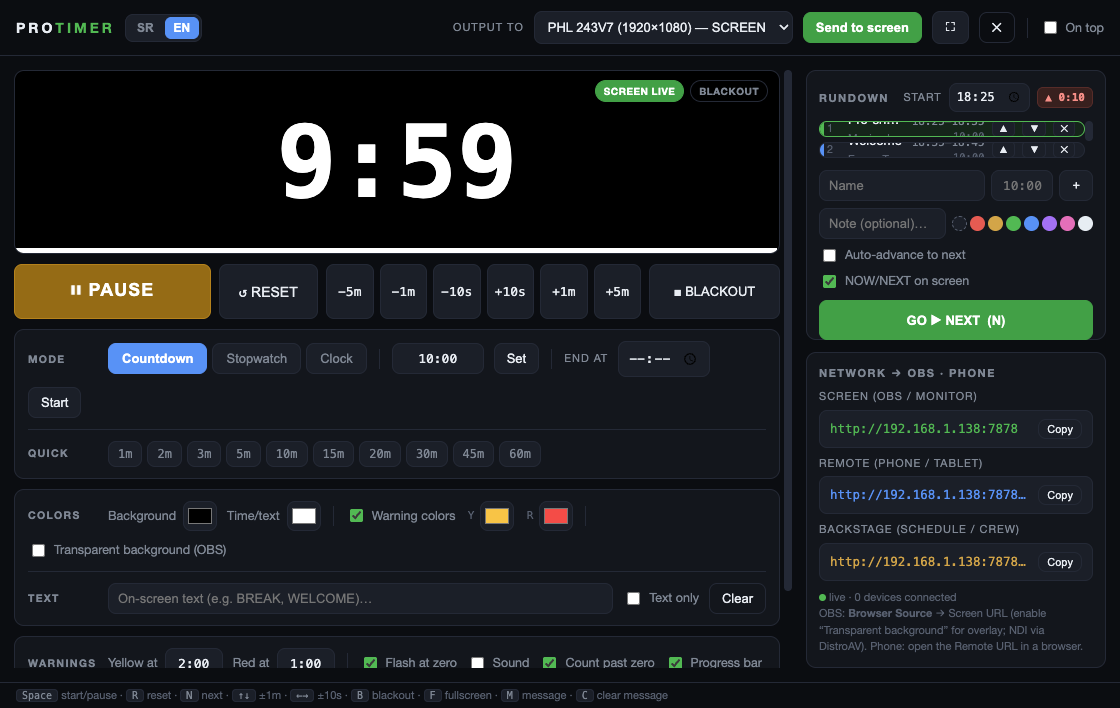
Import the packaged ProTimer module in Companion 4 for ready-made controls, or use Generic HTTP without installing a module. The official Bitfocus repository has been requested; catalogue submission will follow.
Download the tested .tgz, import it from Modules → Import module package, then use ready-made actions, presets, feedback colors and timer variables.
Every ProTimer command is an authenticated GET URL. Add Companion’s Generic HTTP module, paste the command URL into a button and use it from any supported surface.
Use the official ProTimer release asset and rehearse the connection before the show.
Save protimer-1.1.0.tgz from the module release.
In Companion 4, open Modules → Import module package and select the downloaded file.
Add ProTimer, then enter the host, port and current token shown in ProTimer’s network panel.
Test Start, Reset, GO, blackout, live feedback and the timer variable before doors open.
The API URL contains a temporary token, so copy it again after each ProTimer restart.
In ProTimer, open Network → OBS · Phone and copy the API link with its current token.
In Companion, add a Generic HTTP connection and create a button with an HTTP GET action.
Use the copied URL, then set the command type for Start, Reset, GO, blackout or time adjustment.
Press every button while watching ProTimer and confirm the show computer stays reachable on the production LAN.
A small page covers most operator workflows:
start — toggle Start/Pausereset — return to the set durationgo — start the next rundown cueadjust&value=60 — add one minuteadjust&value=-10 — subtract ten secondsblackout — hide or restore the audience outputmessage&value=WRAP%20UP — send a speaker message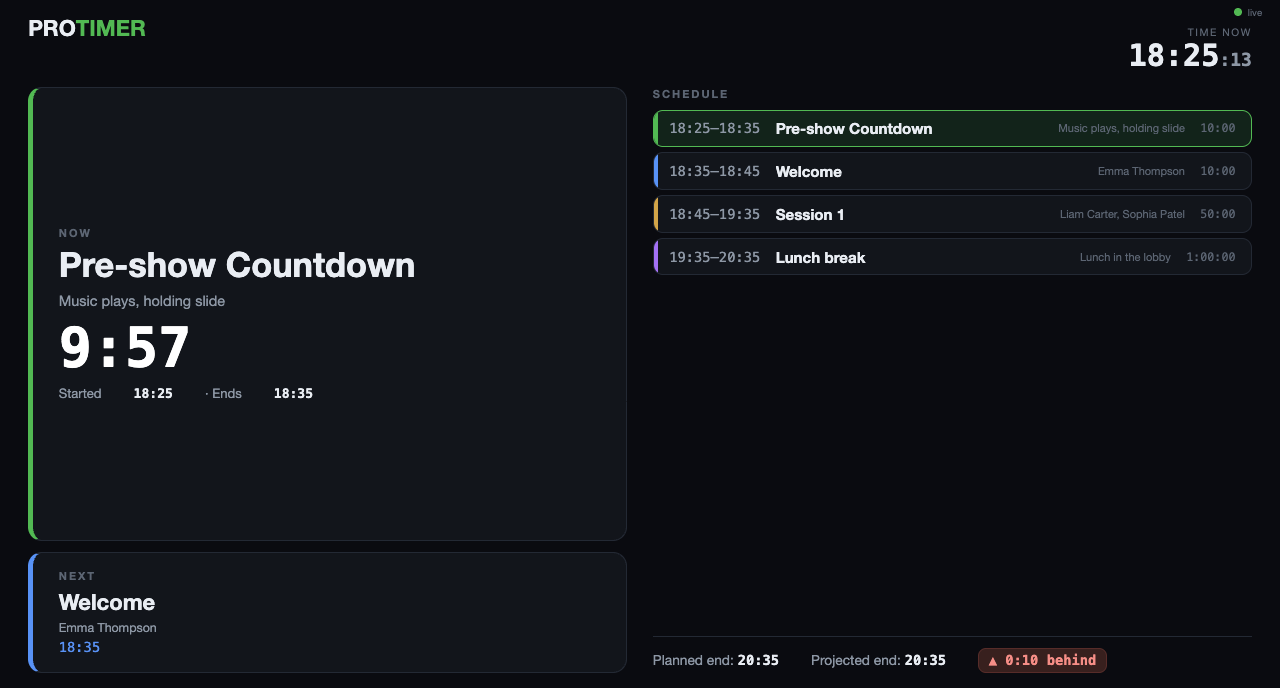
The module reduces setup time and makes button states easier to read during a show.
Start/Pause, Reset, GO, blackout, duration and time changes, on-screen text and speaker messages without assembling each URL by hand.
Connection, running, warning colors, overtime, blackout and active-message states can change the Stream Deck button appearance.
Button presets can display the live time plus current and next rundown cue. The downloadable v1.1.0 package uses $(protimer:time); the prepared official-repository update uses connection-relative $(this:time).
Open the detailed manual-import and first-button-page walkthrough →
What works now and what is still under review.
Yes. Import the packaged ProTimer module in Companion 4, or use Generic HTTP and map ProTimer’s authenticated command URLs to buttons.
Not yet. Manual package import works now. The official Bitfocus repository has been requested, and catalogue submission remains a later step.
The packaged release works with Companion 4. The prepared official-repository update targets Companion 4.3 or newer, Node 22 and Companion module API 2.0.
The security token changes on every ProTimer launch. Generic HTTP buttons need the new API URL. The dedicated module reads the current host, port and token from its connection configuration.
Connect the operator controls to a clear output for the audience.